From image integrity to zero-trust clusters: What’s new in Q1 2026

April 9, 2026
7 min read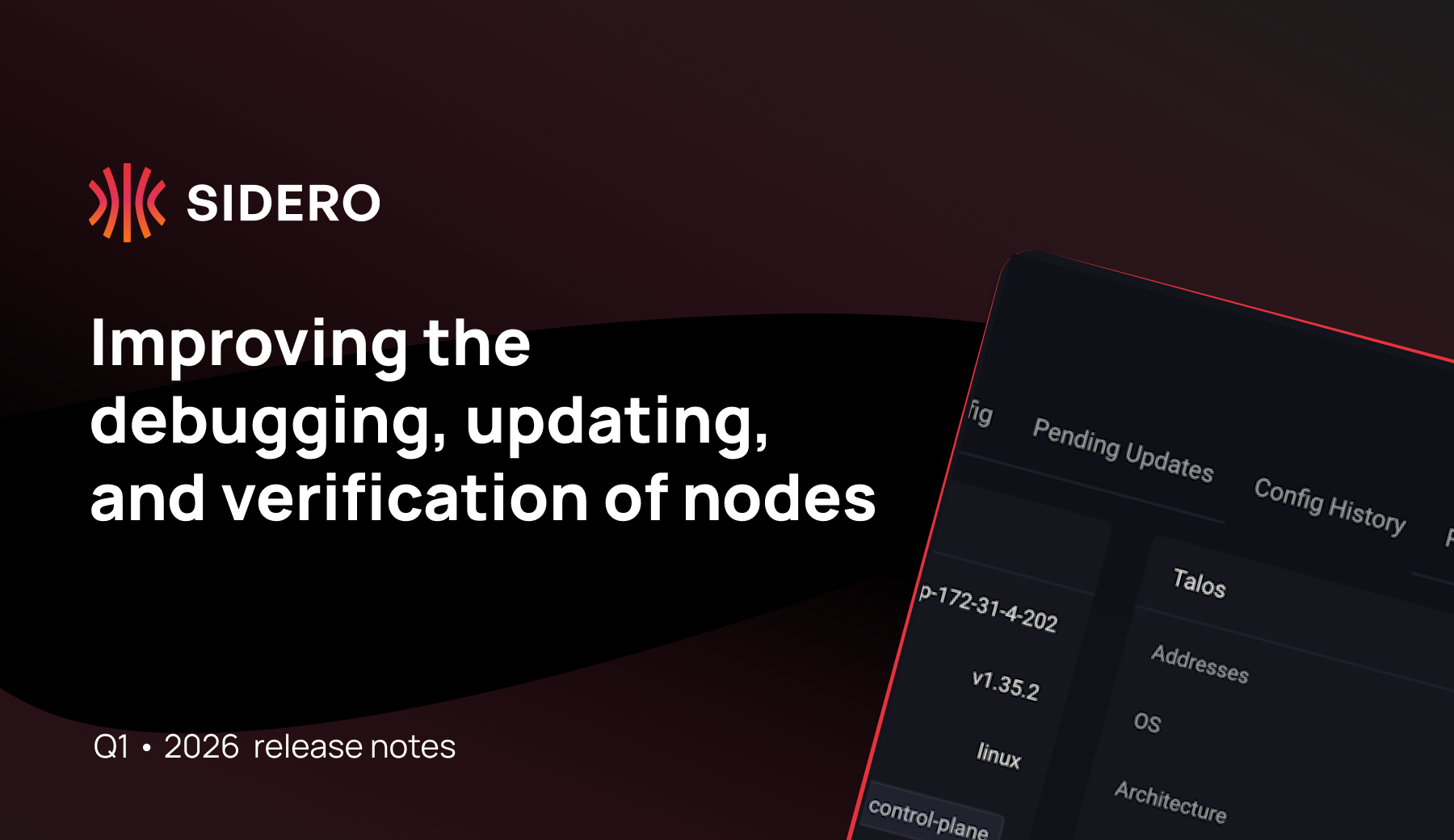
📌 TL;DR
- We reduced the security risk of running Kubernetes at scale by fully rotating cluster trust when importing clusters into Omni.
- We strengthened the supply chain security posture by enforcing OS-level image verification
- We’ve made operating hardened and production-grade nodes more practical through talosctl debug, improved OS upgrades, config diffs, and more.
Read the full list of changes and documentation at GitHub or our documentation.
[Image signature verification] Enforce cosign signature verification at the OS level
Admission-time controls don’t protect the node itself. Traditional Kubernetes security relies on admission controllers like Kyverno or Gatekeeper to verify image signatures. However, these tools only operate at the orchestration layer and do not protect the under-the-hood components that Kubernetes itself depends on, leaving a gap where core system images could theoretically be compromised at the registry level.
Talos Linux now provides a native, OS-level policy engine for image signature verification with full Cosign support. This allows you to enforce a deny-by-default policy across multiple registries using both keyed and keyless verification. Most importantly, this feature verifies the entire set of images required to boot the cluster, including the Talos installation images, the Kubelet, CNI images, and the Kubernetes controlplane components. If an image doesn’t match the signature defined in your cluster-wide policy, Talos Linux will refuse to pull or execute it.
Engineers can now extend their software supply chain security down to the OS level and ensure that every binary running on the node is cryptographically verified.
Leaders can enforce integrity at the OS level to mitigate the risk of registry-poisoning and supply-chain attacks as well as ensure a trusted path from the hardware up to the application.
Read more about image signature verification in Talos →
[Improved OS upgrades] Decouple OS updates from node reboots
Coordinating drains and reboots across fleets is one of the biggest sources of operational risk. The standard Talos Linux upgrade sequence was designed for high-availability environments, automatically triggering a drain-and-reboot flow to ensure workloads were safely migrated before an update.
Now, the operating system is able to download and stage the new version on the secondary boot partition while the machine remains fully operational and workloads continue to run. The upgrade process is separated into staged and reboot phases, allowing the installation to occur in the background without triggering an immediate restart. Should an error occur during staging, the node remains in its original state and the active workloads are never disturbed. Once the update is successfully staged, the node is flagged as ready for a reboot, which can then be triggered according to specific operational requirements.
Engineers gain the ability to stage updates across the fleet without triggering workload disruption. This provides a safety net for catching errors during the staging phase.
Leaders benefit from dramatically reduced maintenance windows and higher fleet availability, particularly in edge or single-node environments where speed is critical. This granular control over reboot timing allows for sophisticated upgrade orchestration that aligns with production uptime requirements.
Read more about the new upgrade flow in Talos →
[talosctl debug] Troubleshoot nodes using your custom toolsets
To maintain a minimal attack surface, Talos Linux is designed without a shell or SSH, leaving low-level host issues diagnostics dependent on the Kubernetes API or standard Talos gRPC calls.
The new talosctl debug command allows users to launch an ephemeral, privileged container directly on the host using a container image of your choice. This container shares the host’s namespaces (network, PID, etc.) and allows the use of specialized tools like tcpdump, gdb, or ethtool to inspect the machine. Because this process communicates directly with the Talos API, users can debug the host safely even if the Kubernetes control plane is completely down.
Engineers gain host-level visibility without the security risks of persistent SSH. Users can drop into a broken node with a custom troubleshooting toolkit, identify the root cause, and exit, leaving the immutable host clean and unchanged.
Leaders no longer have to choose between a hardened OS and maintainable infrastructure. This feature ensures that production nodes remain secure by default while providing a reliable break glass entry point for high-stakes incident response.
Read more about talosctl debug →
[Omni CA rotation] Transition your existing clusters to exclusive Omni management
Imported clusters often retain hidden trust paths that violate security and compliance assumptions. Previously, when importing a Talos Linux cluster into Omni, the root Certificate Authority (CA) remained unchanged, creating a split-trust scenario where the original provisioning source retained the backdoor root secrets.
Omni now automates the rotation of Kubernetes and Talos CAs as the final phase of the cluster import process. Once a cluster is imported, Omni initiates a cryptographic re-keying that generates fresh root secrets within the Omni platform. The system then cycles through the entire cluster, issuing new certificates to every node and component while revoking the original credentials. This process replaces the cluster’s root of trust, invalidating any external credentials generated by the original creator.
Engineers can now automate complex certificate rotations without manual re-keying or the risk of system lockouts, systematically eliminating legacy trust and permanently closing old access points across imported clusters.
Leaders benefit from a clear path to fleet consolidation, turning Omni into the single source of truth for both new and legacy infrastructure. This update ensures stronger security compliance by proving that no external parties, including original cluster creators, retain access to production environments.
Read more about CA rotation for Omni →
[Pending and historical config diffs] Audit, verify, and track config changes
Configuration drift is a leading cause of hard-to-debug production issues. Previously, it was difficult to see exactly what was changing when a configuration patch was applied, or to audit how a specific machine’s configuration had evolved over months of production use. This lack of visibility made it harder to identify the root cause of configuration drift when a node’s behavior deviated from the rest of the fleet.
Omni now features a visual diff tool for both pending and historical configuration changes. The historical view provides a chronological paper trail for every node, allowing you to see the full evolution of its configuration and identify exactly when a specific change was introduced.
Engineers can use visual diffs as a vital safety net to catch misconfigurations before they hit production. The historical view serves as a powerful observability tool for drift detection and rapid root-cause analysis during outages.
Leaders gain a built-in audit log that satisfies compliance requirements for infrastructure-as-code. It provides full transparency into the operational history of the fleet, ensuring that every change is documented and reviewable.
Read more about config diffs in Omni →
[Installation Media Wizard] Error-proof your provisioning process with hardware-aware presets and standardized images
Scaling a fleet across diverse hardware requires installation media that is perfectly tuned for each environment’s network and disk layout. Manually configuring these boot images is a repetitive task where human error can lead to failed deployments or inconsistent security settings, such as missing system extensions or Secure Boot configurations.
The revamped Installation Media Wizard provides a guided, step-by-step workflow for creating standardized boot images across any environment, dynamically filtering for compatible settings and offers deep visibility into hardware-specific details like disk paths. The Wizard also allows configurations to be saved as presets, ensuring new nodes are provisioned with the same hardened security defaults.
Engineers can deploy new capacity faster and more reliably.
Leaders can standardize their deployment workflows, reducing the specialized knowledge required to expand the cluster. This leads to a more consistent, secure fleet.
Read more about Installation Wizard in Omni →
What this means
These updates make it more practical to run hardened, immutable infrastructure in production. By improving how nodes are debugged, updated, and verified, we are reducing the friction that often comes with high-security environments, ensuring that a secure-by-default posture doesn’t result in slower recovery times or blind spots in your configuration history.
In practice, this reduces the tradeoffs between security, operability, and scale: Platform engineers can resolve incidents faster and perform maintenance with less risk, ensuring infrastructure remains stable even during complex troubleshooting or fleet-wide updates; Security teams can prove the integrity of every component running on the host, closing the supply-chain gap and ensuring all imported clusters adhere to a single, verified security standard; and engineering leaders achieve higher service availability and faster scaling by standardizing provisioning workflows and maintaining the clear audit trails required for operational compliance.
Want to be the first to hear about our updates, news, and events? Subscribe to our newsletter.
 Andrew Rynhard