


Try this metaphor.
Is your house secure? It has locks, but if you wanted to break in, you could. Kubernetes is similar. It has security features, but its defaults are open and permissive by design.
The stringent security controls needed to protect across bare metal and edge environments simply aren't there out of the box, but there are things you can do in your environments to make your Kubernetes infrastructures more secure.
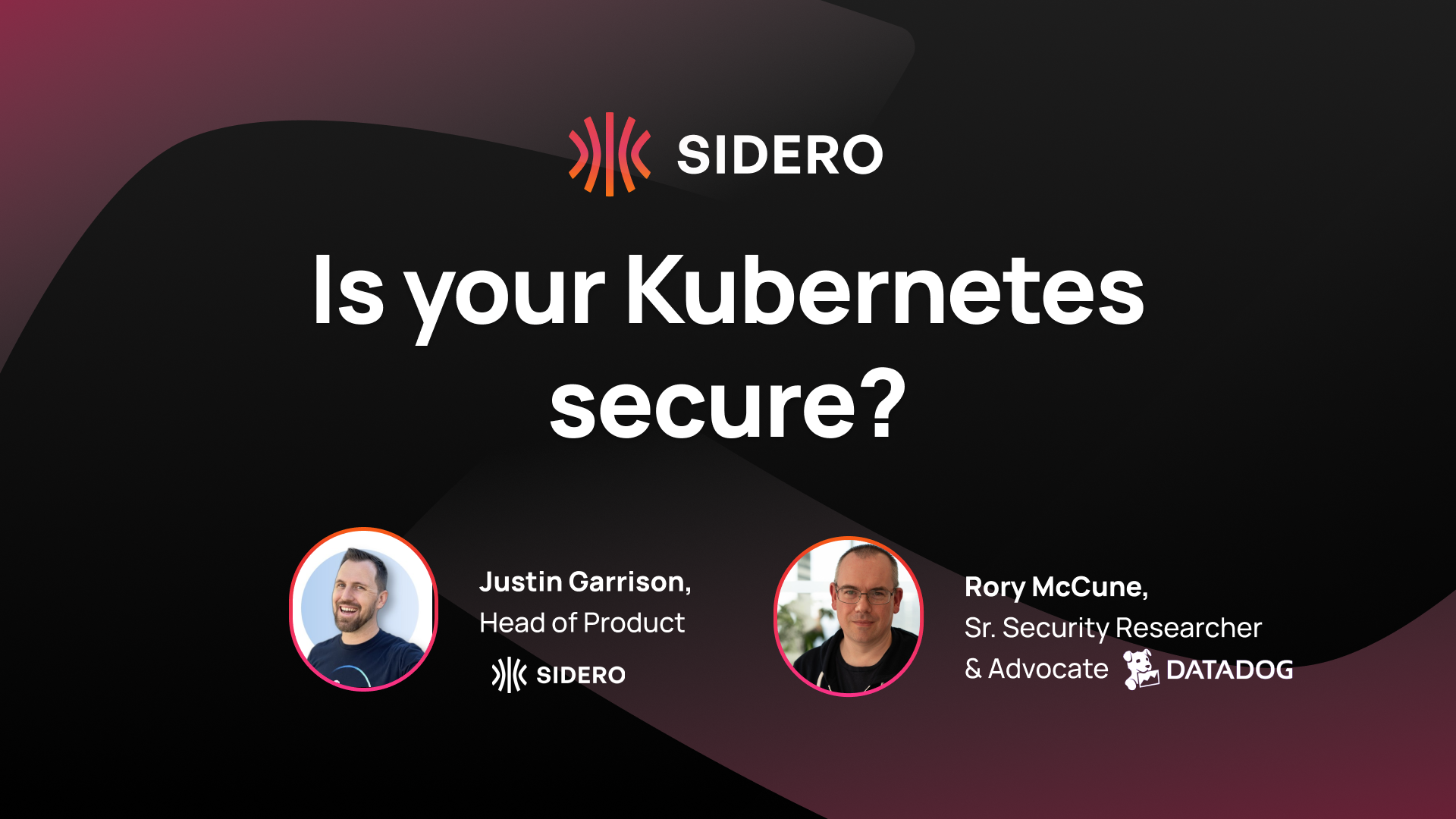
Justin Garrison, Head of Product at Sidero, and Rory McCune, Senior Security Researcher and Advocate at DataDog, dove into this topic, covering the realities of Kubernetes security, the layers to think about, and how your specific use case should drive security decisions.
Is Kubernetes secure?
The traditional answer is: it depends.
There are some 150+ distributions at this point, and every single one has a different view on their defaults, how they set things up, the add-ons they include, and the way they configure things.
Instead, let’s look at the threat model: what are the things we’re actually worried about? Are we genuinely performing very high-risk, high-threat tasks in Kubernetes?
At the fundamental layer, Linux by default isn't always set up securely for broad internet public-facing use cases. There are several basic best practices to follow and various configurations you know you will need. These are critical because most of Linux and Kubernetes is general purpose, with no known state of how it’s going to be used.
It is Kubernetes’ flexibility–one of its best features–that also makes it dangerous. Its defaults tend to be open and permissive. This is why it is on the users to lock it in, defining what concerns exist and how they tweak settings to suit the use case.
By limiting the use cases, it is easier to keep it secure.
The authentication problem
The built-in authentication mechanisms that come with Kubernetes are not suitable for production use. This is a problem when a user is accustomed to out-of-the-box functionality. When users start adding additional software, they are having a direct impact on security.
This is also played out in products.
- Tools like OpenShift come with a more production-grade authentication system because it's tied into the Red Hat environment of how users authenticate.
- With the Talos Platform, we limit the use cases of Talos to Kubernetes. As a single-purpose system, it’s deliberate and secure for those specific use cases only.
* To extend Talos Linux to the fleet, Omni enables the production-grade authentication. As you go up the stack, you have to figure out what's the use case and how does it integrate into the other things.
Layers, layers, layers
In many ways, security comes down to layers.
There’s the OS and kernel, then there may be container runtime, Kubernetes, and countless other layers.
Bolted-on security is precisely what teams do not want, yet most Linux distros run security agents to verify and secure the OS because it is assumed to not be particularly secure, and you intend to bolt on a bunch of agents to add security after the fact.
This reactionary security is largely meant to look at what might happen or being able to audit what's going on rather than harden the underlying Linux kernel or the runtime.
Like Linux, Kubernetes is a general-purpose system distributed through opinionated distributions. And in both cases, securing it for your specific use case is the operator's responsibility.
Understanding use cases through threat models
One way to understand a use case is through threat models.
For example, if there is a cluster with five or six applications run by one team, authentication is probably less important because the team is a unit, and everyone using the cluster is probably in that team.
On the other hand, a team running 500 applications from a load of different teams, will need to worry about topics like segregation and tenancy.
Then, there’s hard multi-tenancy, where users you don't trust come into the cluster.
The security posture needs to match the actual risk profile and operational reality. A small team running a handful of applications has fundamentally different security requirements than an enterprise platform team managing hundreds of workloads from dozens of teams.
Conclusion
Kubernetes is not secure by default, and that's by design. Its flexibility is both its greatest strength and its greatest security challenge. Users need to understand their specific use case, build a threat model accordingly, and implement security at every layer of the stack, from the OS and kernel through the container runtime and Kubernetes itself, all the way up to applications.
Because security is not out of the box, teams need to plan for it and implement it deliberately at each layer. The good news is that with the right approach and the right tools, Kubernetes infrastructure can be made significantly more secure for your particular use case.

 Justin Garrison